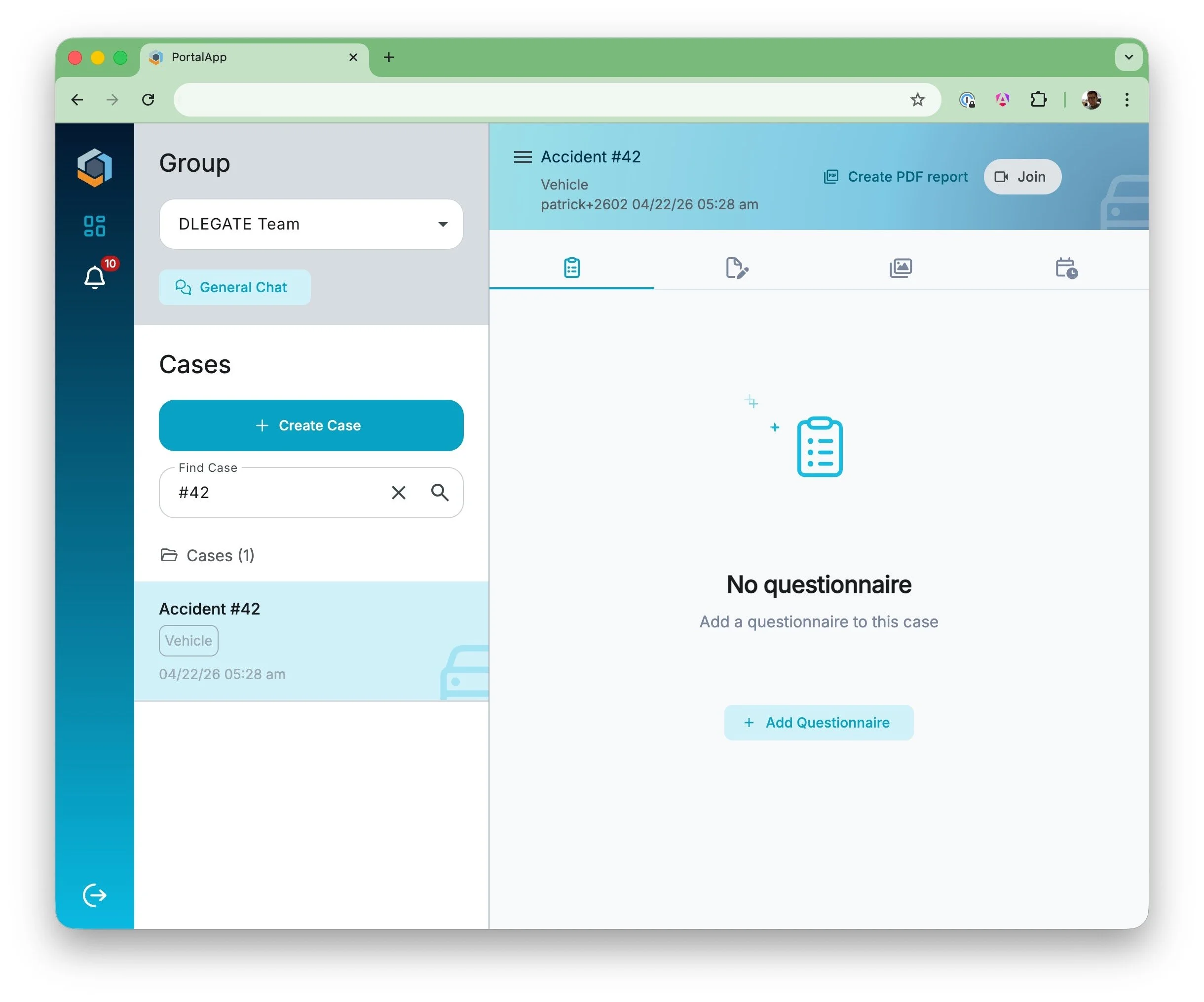
This guide explains how to log in for the first time and set up your account password. Depending on how your user account was created, the steps may differ slightly.
First Login & Account Setup
Follow the steps below to access your account and set your password if required.
1Enter Your Email Address
Open the login page and enter your email address to begin the login process.
- Enter your registered email address
- Click Next to proceed

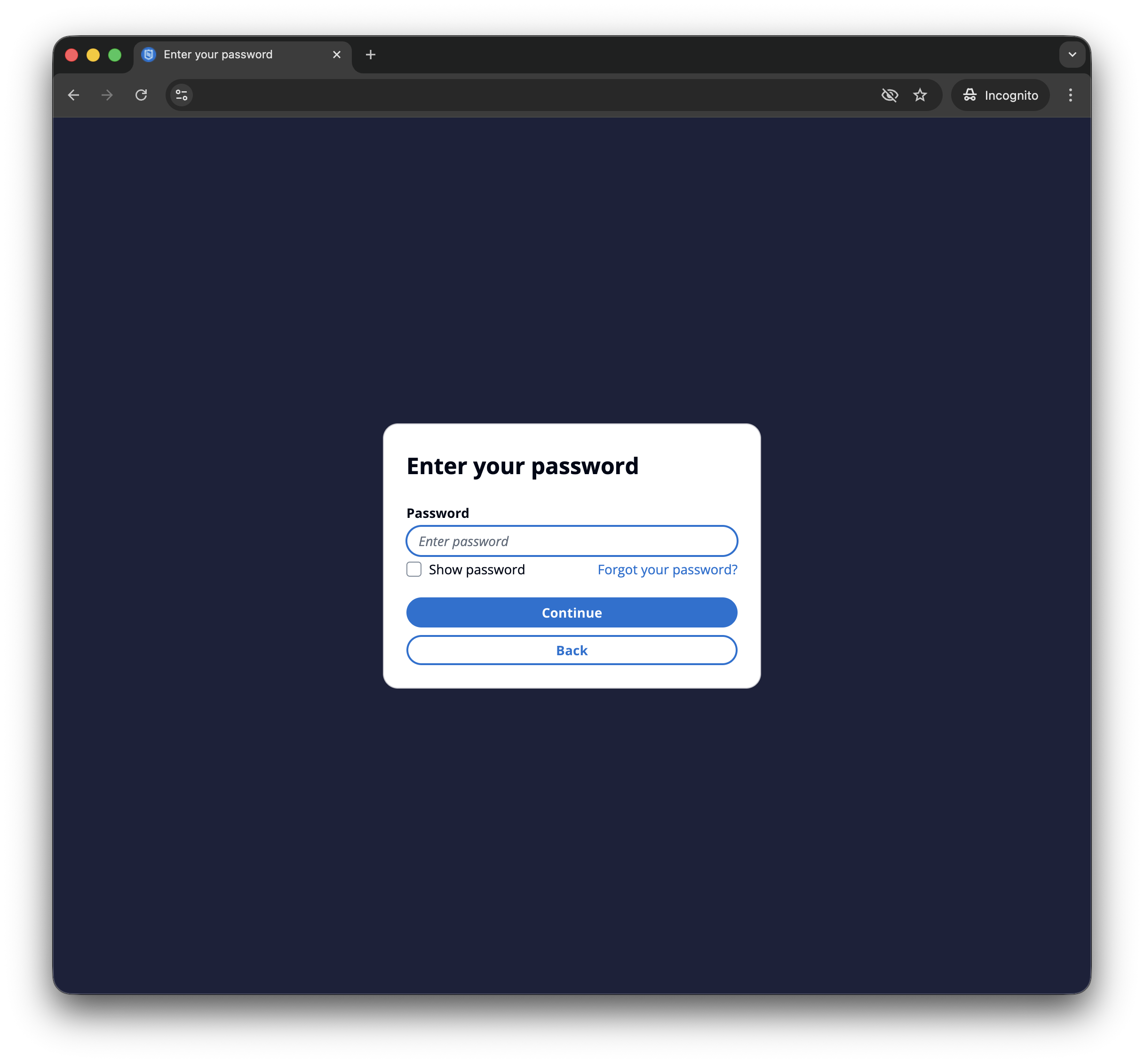
2Enter Password or Reset It
If you created your account yourself, you can log in directly using your password. If your account was created by someone else, you will need to set your password first.
- Enter your password if you already have one
- Click Forgot Password if you need to set or reset your password
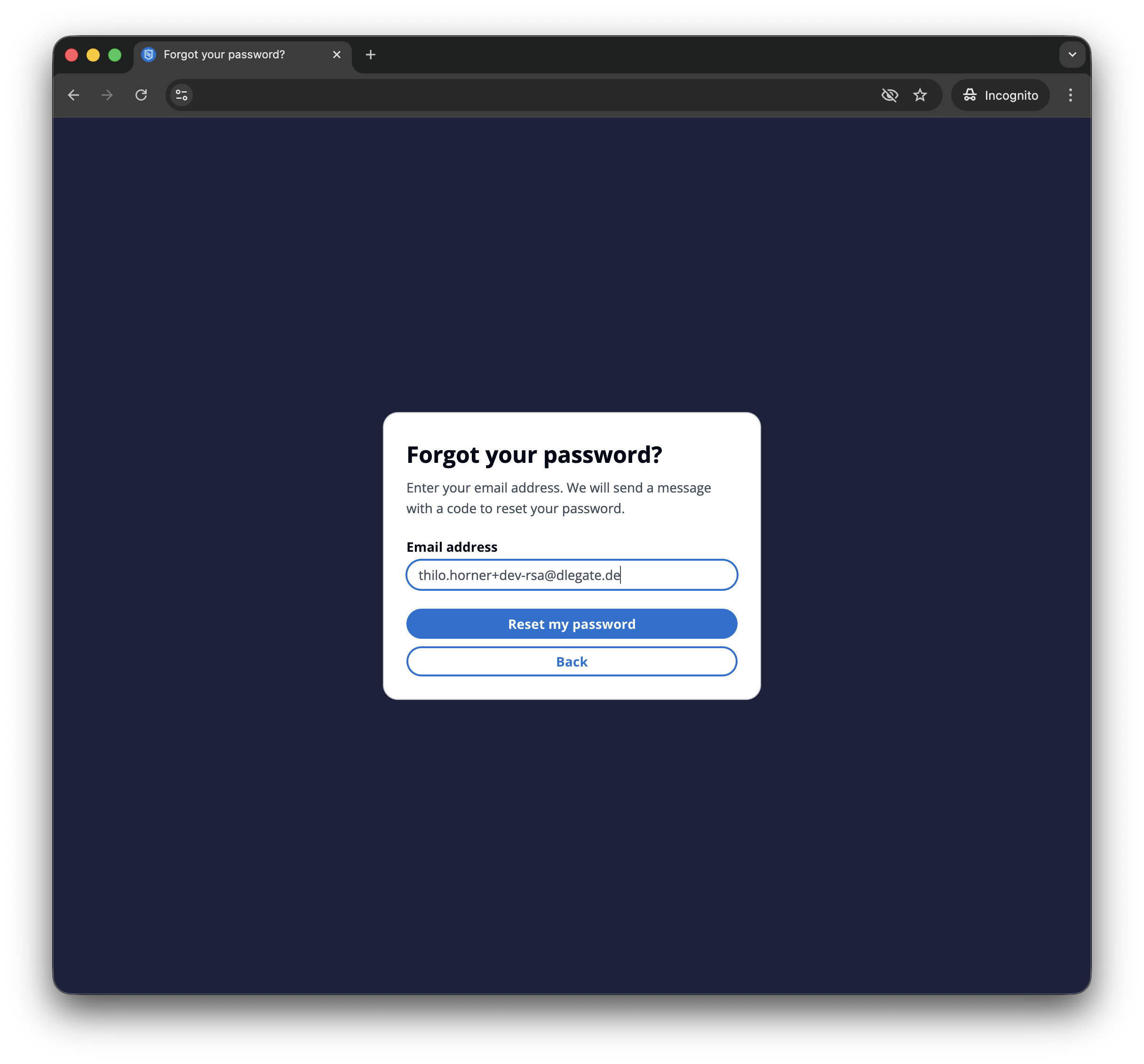
3Request Password Reset
To set your password, enter your email address and request a reset link or code.
- Enter your email address
- Click Reset Password
4Set Your New Password
You will receive a verification code via email. Use this code to set your new password.
- Enter the verification code sent to your email
- Enter your new password
- Confirm your new password

5Access Your Account
Once your password is set, you can log in and start using the platform.
- Return to the login page
- Log in using your email and new password

6Create a Case
After logging in, you can start a new inspection by creating a case.
- Click Create Case
- A pop-up window will open
- Select a use case from the dropdown menu
- Enter a reference for the case
- Confirm to create the case
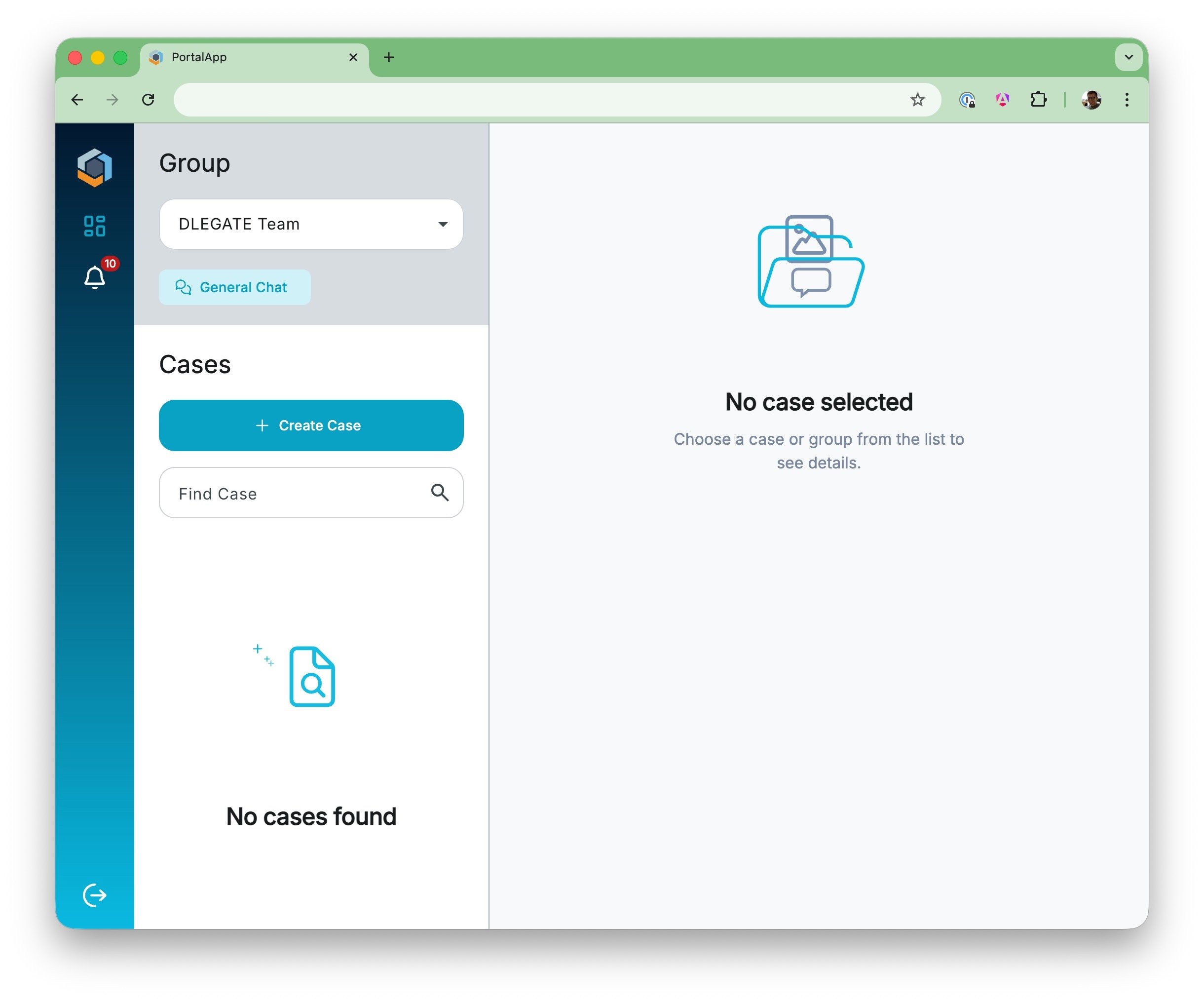
7Join Call
Once a case has been created, you can add a questionnaire and start the video call.
- Open the created case
- Click Add Questionnaire if required
- Go to the upper right corner and click Join Call
- The call will start and additional participants can be invited